Software for closet and walk-in closet makers
- Suggested plan
- Workshop
- Price
- $49 USD/mo
- Users included
- 2
- Trial
- 14 days, no card
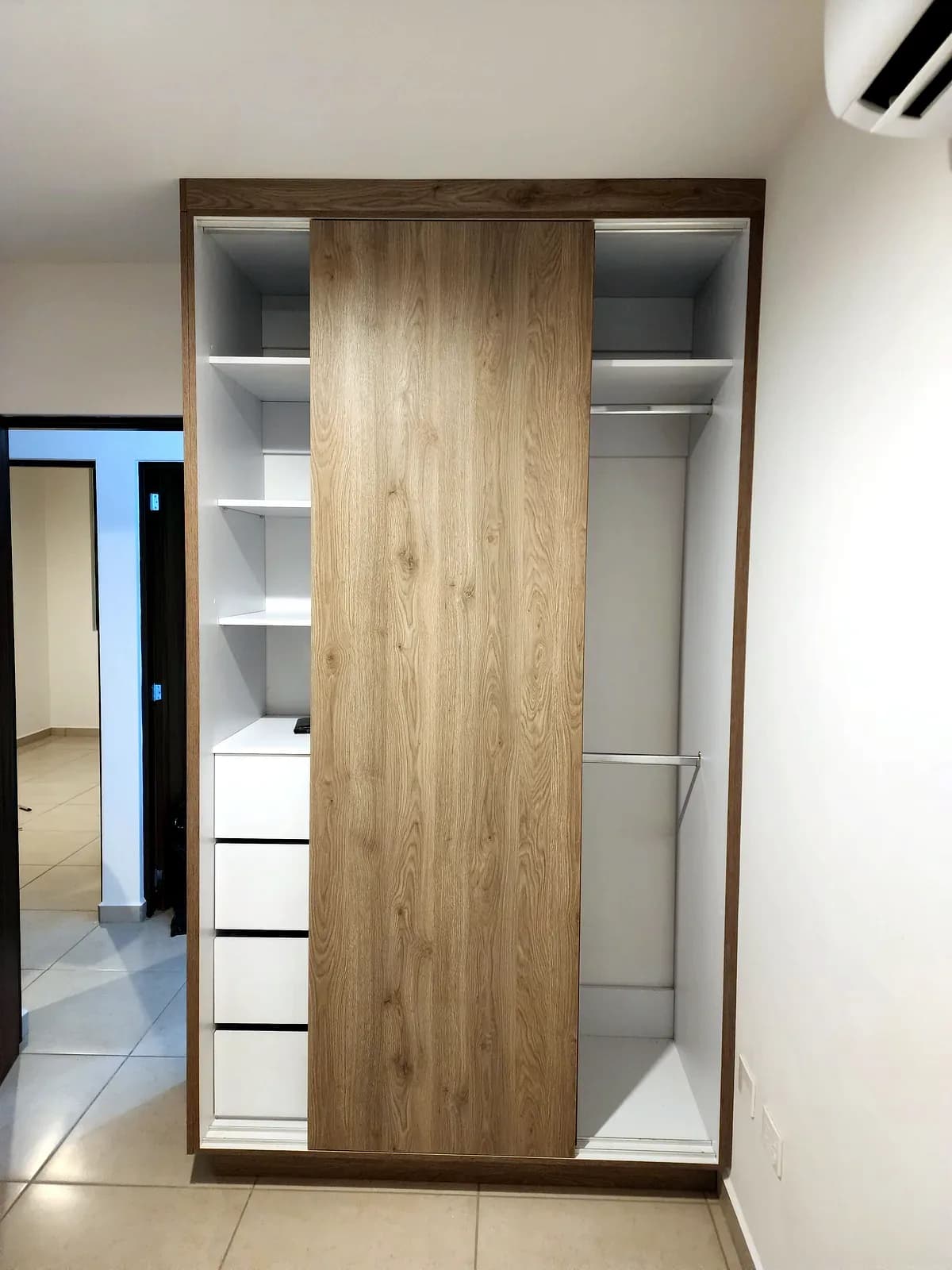
What repeats on every closet
- Shelves, gables, dividers and drawers worked out by hand on every job.
- Edge banding footage guessed and then short or left over.
- Melamine offcuts thrown out even though they'd fit the next closet.
- Walk-ins in several melamine colors that make the cut list messy.
From measured wall to cut closet
- 01
Cabinet design
Measure the wall and let the closet generator lay out the run; then adjust shelves, drawers and doors.
- 02
Cutting optimizer
Optimize sheets by color and thickness in one job, using saved offcuts first.
- 03
Quoting
Quote from the exact material and edge banding in the cut list.
Built for closets
- Automatic closet generator
- Enter the space and the designer proposes a run of closet units that you can fine-tune.
- Offcuts that actually get used
- Usable leftovers are saved with their size, and the optimizer considers them first on the next job.
- Edge banding by side and color
- Mark banding per side on each part; its thickness is deducted and the total length flows into the quote.
- Several materials in one job
- Mix melamine colors and thicknesses in a single cutting job, up to 100 materials.
- Assembly labels
- Each part gets a label with a QR code, size, material, cabinet and banding marks, printed from your browser.
Suggested plan
Plan Workshop
$49 USD/mo
With the Workshop plan you design, cut and quote without typing anything twice. Try it free for 14 days, no card needed.
Frequently asked questions
How does the closet generator work?
Give it the available space and it lays out a run of closet units. You can then change each unit's shelves, drawers and doors. The designer is in Spanish for now.
Can I mix melamine colors?
Yes. One cutting job takes several materials and thicknesses, and the optimizer nests each one on its own sheets.
How is edge banding calculated?
You mark which sides of each part get banding. The app deducts the band thickness from the cut size and adds up the length for the quote.
What happens to offcuts?
They are saved with their size when you finish a cut. On the next job the optimizer can use them before opening a new sheet.
Can the labels be scanned?
The labels carry a QR code with the part's details and print from your browser. The app does not scan labels yet.
Cut better starting with your next job
Create an account and use the full Workshop plan for 14 days. No card; afterwards you drop to the Free plan, not a lockout.