Software for small woodworking and cabinet shops
- Suggested plan
- Cut
- Price
- $15 USD/mo
- Users included
- 1
- Trial
- 14 days, no card
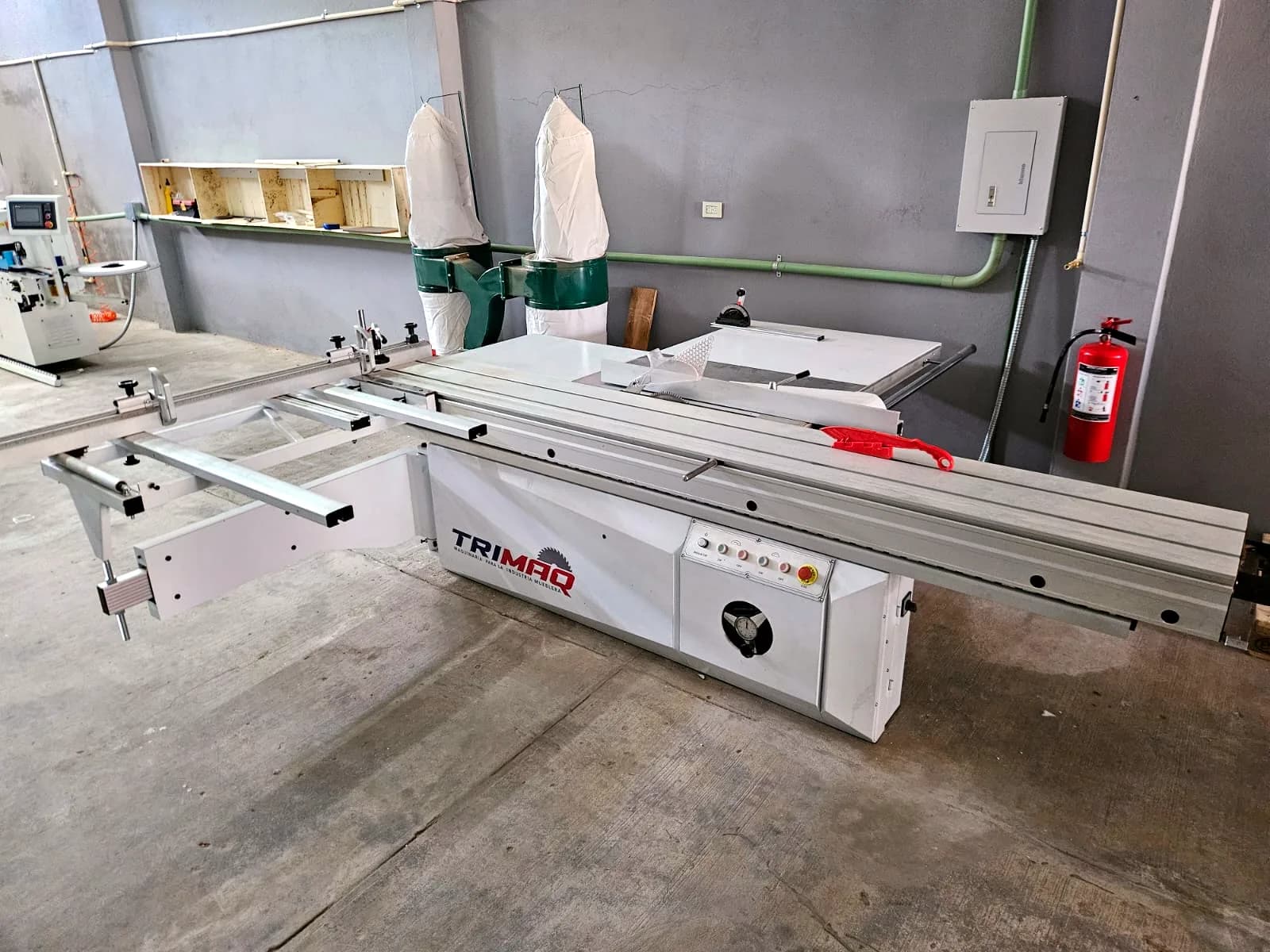
Day to day in a small shop
- Little time at a computer; most things happen on the phone.
- Software that is expensive, hard to learn or Windows-only.
- Extra sheets bought because there's no cutting layout.
- Hand-written quotes that forget the edge banding or the hardware.
Start small
- 01
Free cutting optimizer
Use the free optimizer, no sign-up, for up to 50 parts per run.
- 02
Cutting optimizer
Move to the Cut module to save projects, offcuts, labels and watermark-free PDFs.
- 03
Quoting
Add Quote when you want branded quotes with a link your client can accept.
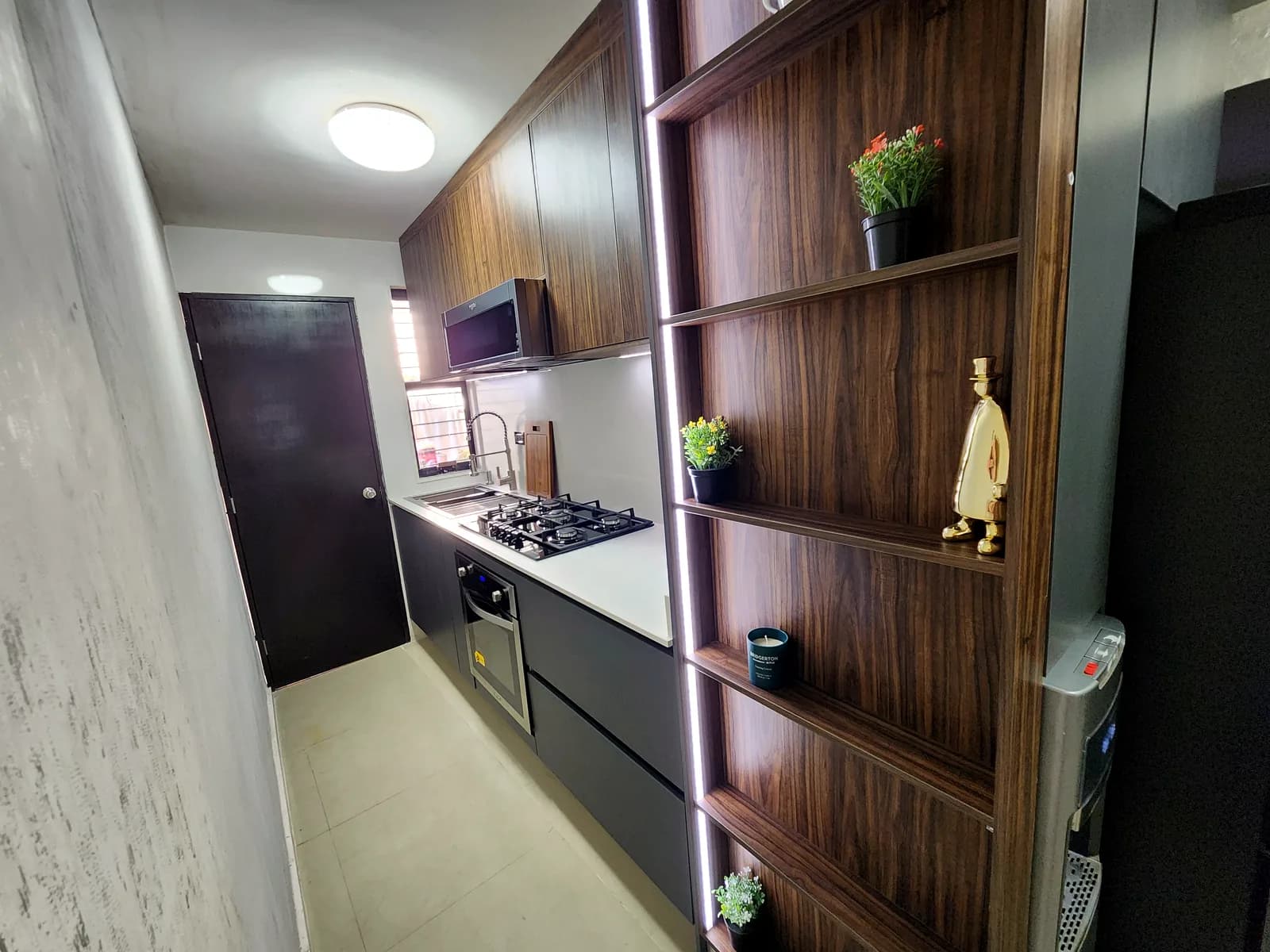
Real work by Zeder Cabinets
Made for a small shop
- Free to start
- The free plan optimizes up to 50 parts per run and saves 3 projects, with no expiry date.
- Works on your phone
- The app is responsive and runs in your phone's browser, with nothing to install.
- Paste your cut list
- Paste your parts list or upload a CSV; fractional inches and Spanish or English headers are fine.
- Pay per module
- Subscribe to Cut only, Quote only, or whatever you use; cancel anytime.
- Inches or millimeters
- Work in mm, cm, decimal inches or fractional inches.
Suggested plan
Plan Cut
$15 USD/mo
The Cut module pays for itself fastest: fewer sheets bought and offcuts that actually get used.
Frequently asked questions
Does the free optimizer need an account?
No. The public optimizer works without an account, up to 50 parts. A free account saves up to 3 projects.
Can I use it only on my phone?
Yes. It runs in your phone's browser. For 3D design, a computer or tablet is more comfortable.
Do I have to buy everything?
No. Each module is sold separately. Start with Cut and add Quote or others when you need them.
Can I text the quote to my client?
The app creates a PDF and a link where the client can accept or decline. You share them by text or email yourself; the app doesn't send them for you.
Does it work offline?
No. The app needs a connection. The optimizer itself runs in your own browser, without waiting on a server.
Can I try everything before paying?
Yes. You get 14 days of the Workshop plan (Cut, Design and Quote) with no card. Afterwards you move to the free plan.
Cut better starting with your next job
Create an account and use the full Workshop plan for 14 days. No card; afterwards you drop to the Free plan, not a lockout.