Software for kitchen cabinet makers
- Suggested plan
- Workshop
- Price
- $49 USD/mo
- Users included
- 2
- Trial
- 14 days, no card
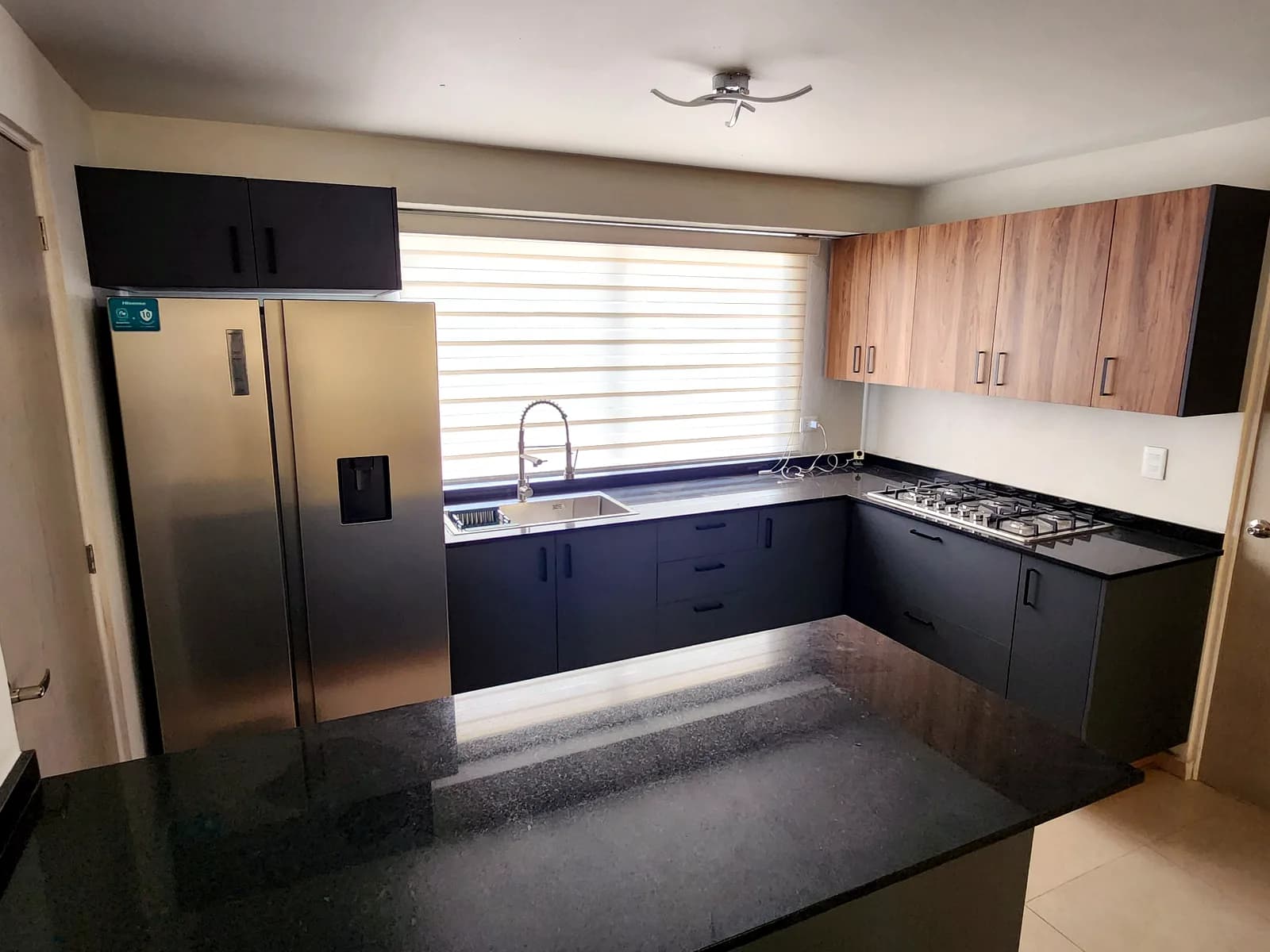
What makes kitchens hard
- Long cut lists typed by hand, with mistakes paid for in sheet goods.
- Quotes that take days because sheets, edge banding, hardware and countertops all need adding up.
- One client change (another wall cabinet, an oven tower) means redoing the cut list and the price.
- Corners, lazy Susans and tall units drawn from scratch every time.
From measurements to quote
- 01
Cabinet design
Lay out base, wall, tall and corner cabinets; each one generates its parts and hardware.
- 02
Cutting optimizer
Send to Cut and the parts reach the optimizer with grain and per-side edge banding, so you know how many sheets to buy.
- 03
Quoting
Send to Quote and the price builds from the design's material, edge banding and hardware; you set margin and deposit.
- 04
Production
When the client accepts, the quote becomes a production order.
Real work by Zeder Cabinets
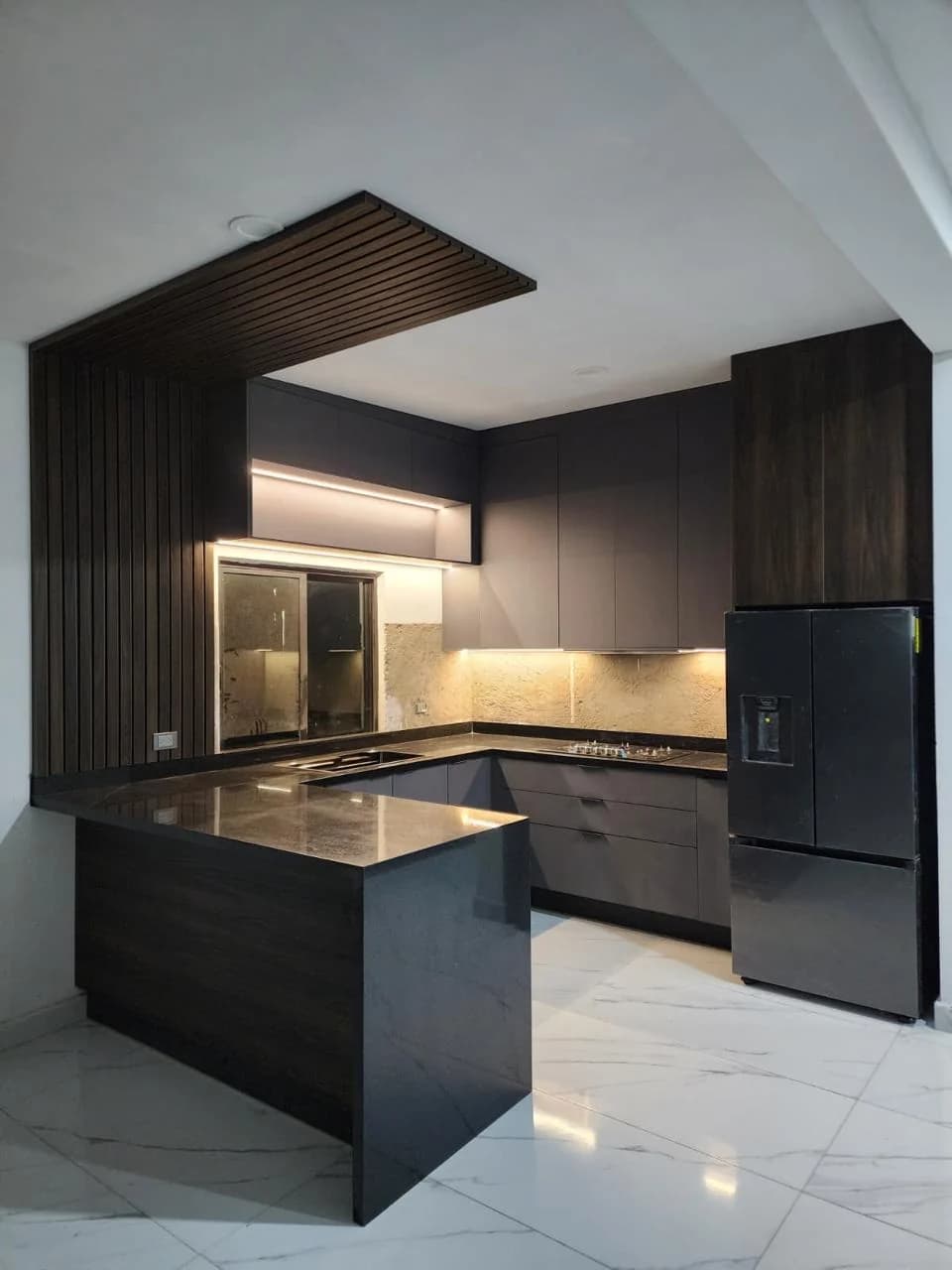
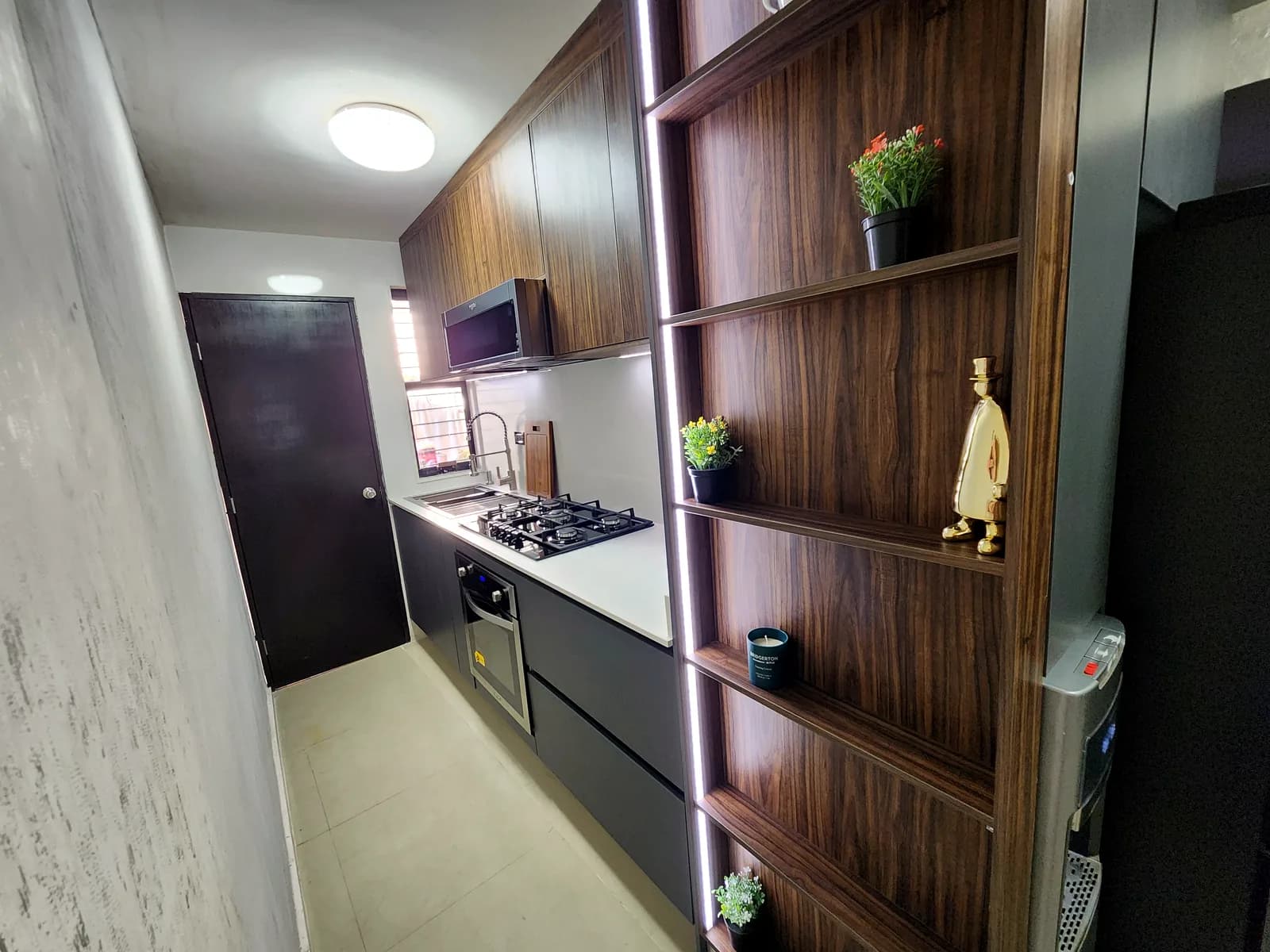
Built for kitchens
- Kitchen cabinets ready to go
- Base, wall, drawer bank, corner, lazy Susan, pull-outs, lift-ups, pantry, oven tower and magic corner, among others.
- 3D view and rendering
- Show the kitchen in 3D with a photorealistic render, plus floor plan and elevations to review with the client.
- Hardware and countertops
- Hardware bill (Blum), shopping list, edge banding by color and a countertop quote all come from the same design.
- Shop drawings
- Technical and assembly drawings per cabinet, a drilling plan and a production order for the shop.
- Client proposal
- Print the proposal from your browser and share the quote link so the client can accept it.
Suggested plan
Plan Workshop
$49 USD/mo
The Workshop plan combines Design, Cut and Quote, exactly a kitchen's workflow, with 2 users included. Try it free for 14 days, no card needed.
Frequently asked questions
Can I design L-shaped and U-shaped kitchens?
Yes. Place the cabinets on the floor plan, corners included, and the designer produces the 3D view, elevations and cut list.
Is the designer in English?
Not yet. The 3D designer is currently in Spanish only; the rest of the app is in English and Spanish.
Does it work out hardware?
Yes. Every design produces a hardware bill (Blum) and a shopping list that carry into the quote.
Can I quote the countertop?
Yes. The designer includes a countertop quote that adds into the kitchen's price.
What if the client changes the design?
Edit the design and send it to Cut and Quote again. In Quote you can create a new version without losing the one you already sent.
Do I need to install anything?
No. It runs in the browser on your computer, tablet or phone. You need an internet connection.
Cut better starting with your next job
Create an account and use the full Workshop plan for 14 days. No card; afterwards you drop to the Free plan, not a lockout.